
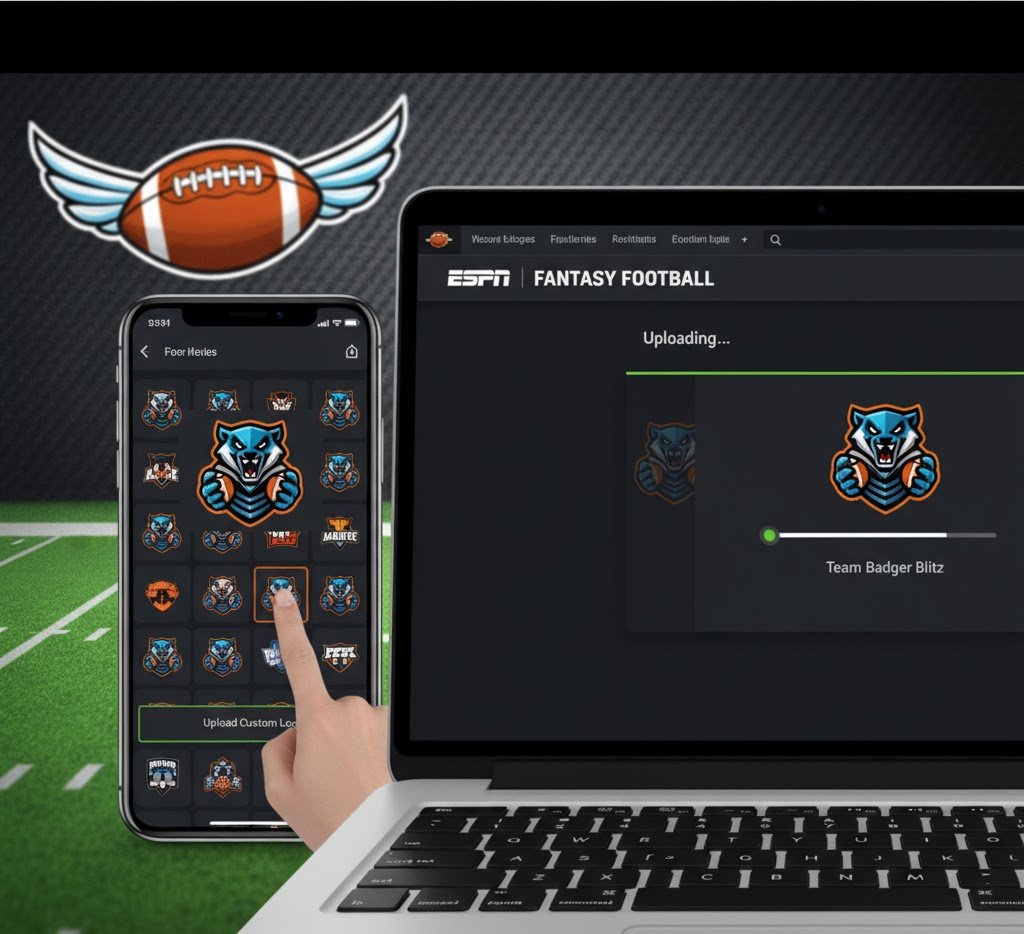
Fantasy football is all about competition, strategy, and fun — but a big part of the experience is personalizing your team to make it stand out. One of the best ways to do that is by adding a custom picture or team logo to your ESPN Fantasy Football team.
If you’ve ever wondered how to get a custom picture on ESPN Fantasy Football, this step-by-step guide will walk you through the entire process — from finding the perfect image to uploading it correctly on both desktop and mobile.
Why Add a Custom Picture on ESPN Fantasy Football?
Your fantasy football team is a reflection of your personality, creativity, and team spirit. A custom profile picture or logo helps you:
Stand out in your league — make your team instantly recognizable.
Show off your style or humor — funny memes, team mascots, or your favorite NFL player.
Boost engagement — makes the fantasy experience more fun and competitive.
Create a professional look — especially in paid or private leagues.
Whether it’s your favorite NFL team logo, a meme, or your own design, customizing your fantasy team logo adds flair and identity to your ESPN Fantasy Football experience.
Step-by-Step Guide: How to Get a Custom Picture on ESPN Fantasy Football
Option 1: Using a Computer (Desktop Browser)
Here’s how to add or change your custom team picture from your desktop or laptop:
Step 1: Log in to ESPN Fantasy Football
Go to ESPN Fantasy Football and sign in with your ESPN account credentials.
Step 2: Open Your Fantasy Team Page
From the main dashboard, click on your league name and then select your team. This will take you to your team’s homepage.
Step 3: Access Team Settings
Look for a gear icon ⚙️ or a link labeled “Team Settings” or “Edit Team Info” (usually found near your team name or at the top right of the page).
Step 4: Click on “Team Logo” or “Edit Logo”
Scroll until you see the section labeled Team Logo. Click on “Change” or “Edit”.
Step 5: Upload Your Custom Picture
You’ll be given the option to upload a file from your computer.
Click “Choose File” or “Upload Image.”
Select the picture you want to use (make sure it’s a clear, square image for best results).
Click Save Changes or Submit.
Step 6: Refresh and Confirm
Once saved, refresh your page. Your new custom picture should now appear next to your team name.
Option 2: Using the ESPN Fantasy App (Mobile)
You can also change your team logo right from your phone using the ESPN Fantasy Sports App (available on iOS and Android).
Step 1: Open the ESPN Fantasy App
Launch the app and sign in to your account.
Step 2: Select Your Football Team
From the home screen, tap “Football” under the fantasy options, then choose your league and your team.
Step 3: Open Team Settings
Tap the gear icon ⚙️ or menu button (three dots •••) in the top corner, and select “Team Settings.”
Step 4: Tap on “Edit Logo”
You’ll see your current logo and an option to change or edit it. Tap “Edit Logo.”
Step 5: Upload Your Custom Picture
Choose “Upload from Device” or “Take Photo” (depending on your preference).
You can upload a saved image from your phone gallery.
Or, take a new photo right from your camera.
Once you’ve selected your image, crop or resize it as needed, then save.
Step 6: Save and Refresh
Go back to your team page and refresh. Your custom logo will now appear on your ESPN Fantasy Football team page.
Recommended Image Size and Format
When uploading a custom picture to ESPN Fantasy Football, use the following image specifications for the best result:
File Type: JPG or PNG
Recommended Size: 512×512 pixels (square image)
Maximum File Size: Under 5MB
Orientation: Square images work best (rectangular images may get cropped).
Make sure your image is clear and visible even when scaled down, since it will appear small in league standings or matchup views.
Where to Find or Create a Custom Picture
If you don’t already have a picture, here are a few ways to get one:
1. Use Free Logo Generators
Websites like Canva, Fotor, or FreeLogoDesign allow you to create a unique fantasy football logo for free.
2. Download NFL Team Logos
If you want your fantasy team to represent a real NFL franchise, download a transparent team logo (just make sure it’s used for personal/non-commercial purposes).
3. Design a Funny or Meme Logo
Want to stand out in your league? Add a meme, a favorite player’s photo, or something funny that reflects your team’s name.
4. Use AI Logo Creators
You can use AI tools like DALL·E or Midjourney to generate a completely custom fantasy football team logo.
Tips for the Perfect Fantasy Football Logo
To make your ESPN fantasy football team logo pop, follow these quick tips:
Keep it simple: Avoid overly detailed images — they’ll look messy when resized.
Use contrast: Bright colors stand out better against ESPN’s dark interface.
Square ratio: Always use a 1:1 aspect ratio image.
Test visibility: Make sure your image looks good on both desktop and mobile.
Keep it clean: Avoid copyrighted or offensive content — ESPN may remove inappropriate images.
How to Change or Remove Your Custom Picture
If you ever want to switch back to a default image or upload a new one:
Go back to Team Settings → Edit Logo.
Click Remove Image or Upload New Image.
Save your changes.
This allows you to update your logo anytime during the season.
Common Issues When Uploading a Custom Picture
Sometimes, users encounter upload errors. Here are a few quick troubleshooting tips:
File too large: Compress your image under 5MB.
Wrong format: Convert your image to JPG or PNG.
Slow connection: Try uploading from a stable Wi-Fi network.
App cache issue: Restart your app or clear cache if the image doesn’t update immediately.
Server delay: Sometimes ESPN’s servers take a few minutes to refresh changes.
If none of these work, try logging in from a desktop browser and uploading again.
Make It Your Own
Your team logo represents your brand in your league. Whether you want something bold and intimidating or funny and light-hearted, your custom image should reflect your fantasy football identity.
Some fun theme ideas:
Championship Logo: Use trophies, crowns, or rings.
GOAT Theme: Use your favorite player like Tom Brady or Patrick Mahomes.
Funny Meme: Add humor or puns based on your team name.
Mascot Style: Create an original mascot character for your team.
Final Thoughts
Adding a custom picture on ESPN Fantasy Football is a simple but powerful way to personalize your fantasy experience. It shows creativity, pride, and gives your team a unique identity in your league.
Whether you’re using the ESPN Fantasy App or desktop browser, all it takes is a few clicks to upload your logo and show off your style.